
Videos
23 videos
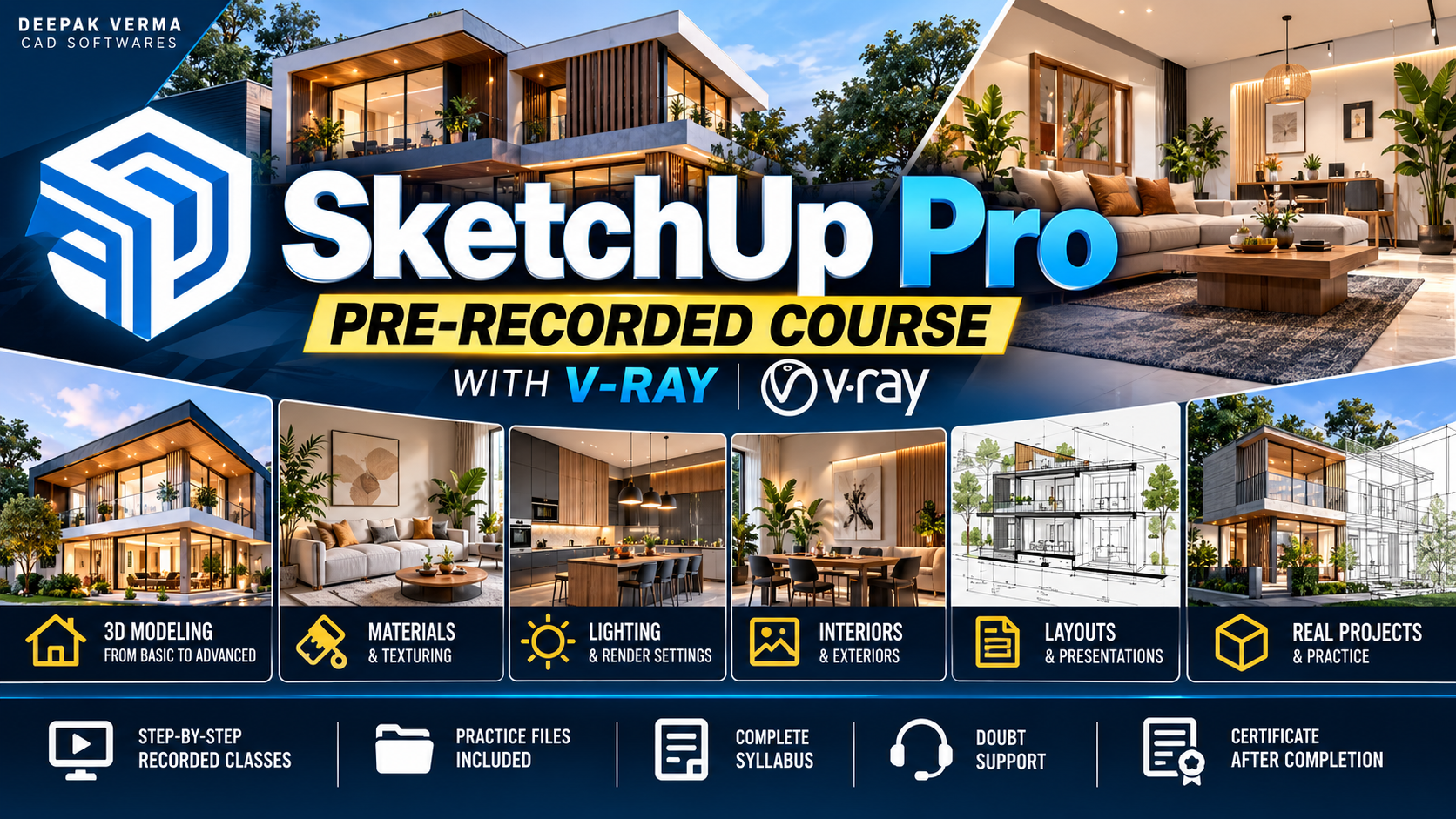
Master SketchUp from Basic to Advanced with V-Ray, Powerful Extensions, Projects & Certification
Learn how to model, visualize, and present architectural and interior design projects using SketchUp, V-Ray, and industry-relevant extensions. This is a recorded course with lifetime access, focused on both technical skills and practical project execution.
📘 1. Complete SketchUp (Beginner to Advanced)
Interface, Templates & Preferences
Mouse Controls & Toolbars Customization
Creating, Saving & Importing Models
Drawing Tools: Line, Arc, Circle, Polygon, Freehand
Push/Pull, Move, Offset, Rotate, Mirror, Scale
Follow Me, Soften/Smooth Edges, Hide Geometry
Guidelines, Protractor, Measuring Tools
Model Organization: Groups, Components, Layers, Outliner
Scenes, Sections, Styles, Shadows
Applying & Editing Materials, Textures, Area Calculation
Geo-location with Google Maps
Dynamic Components & Component Libraries
🖼️ 2. V-Ray Plug-in for SketchUp
Lighting Setup
High-Quality Rendering Techniques
Materials & Textures
Render Settings Optimization
Final Output Renders for Interiors & Exteriors
🧩 3. Powerful Extensions (More Than 15)
1001bit Tools (Freeware)
Solid Tool
Sandbox
Random TOol
Front Face
True Bend
Shape Bender
Maj Rail
Maj Stair
DBS Move/Rotate, Open/Close
Windows Builder
Click to Change
Texture Positioning
Angular Dimension
JHS Powerbar
🏗️ 4. Final Project Submissions
Interior Design Project
Exterior Modeling Project
Working Drawing Layouts
Real Client-Level Project Standards
📐 5. SketchUp Layout Module
Creating Layout Sheets
Paper Size, Scaling, Labeling, Dimensions
Sheet Composition & Exporting to PDF
Model Optimization Tips
Shortcut Keys & Navigation
FlyThrough Views & Section Cuts
Camera Tools & View Management
Material Management & Texturing
Match Photo & Real-world Scaling
Import/Export File Handling
Architecture & Interior Design Students
Freelancers & 3D Visualizers
Civil Engineers & Site Planners
Anyone wanting to learn SketchUp professionally
Upon course completion, you’ll receive an authentic, verifiable certificate in “Professional Diploma in SketchUp” from Deepak Verma CAD Softwares.
Or pick one below
20% off
₹999